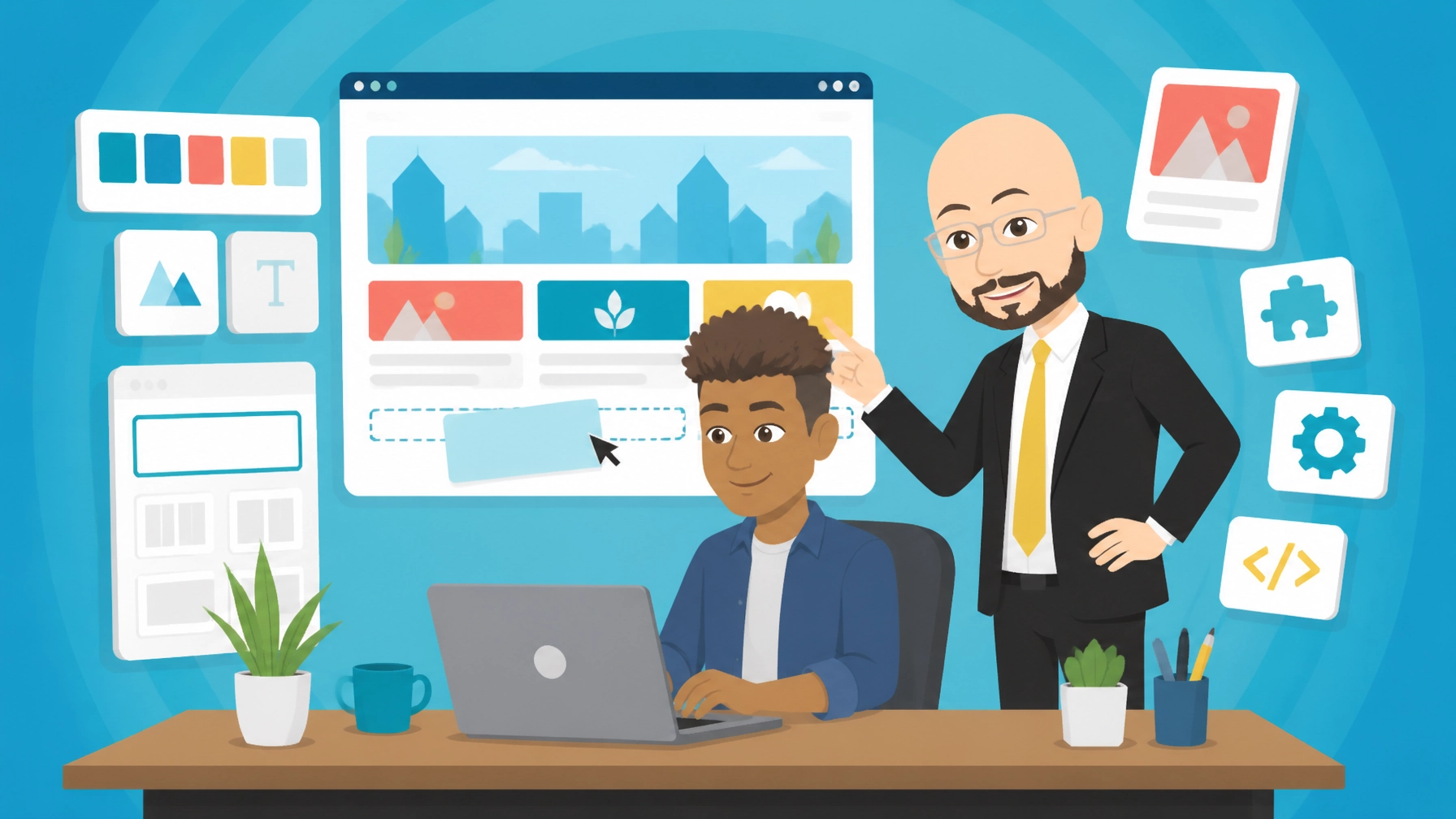
WordPress is the free, open-source content management system that powers a large share of the web. It is used for blogs, business sites, ecommerce and portfolios. It suits beginners and large organisations because it is flexible, well supported and easy to extend with themes and plugins.
What is WordPress?
WordPress is a content management system, or CMS, for creating and managing websites without having to build every page from scratch. You can publish pages, articles, images and videos through an administration area, then change the appearance of the site using a theme and blocks.
The core software is free and open source. You arrange hosting separately, unless your hosting provider includes it as part of a package. You can learn more about the platform on the official WordPress website.
As of 2026, the platform remains suitable for a wide range of projects. Its block editor makes everyday content changes approachable, while its themes, plugins, user permissions and developer tools give experienced users plenty of control.
“Free” refers to the core software. You may still pay for a domain name, hosting, premium design tools, specialist plugins or professional support.
| Cost area | What to expect |
|---|---|
| WordPress core | Free |
| Web hosting | Depends on the provider and plan |
| Domain name | Usually a separate annual cost |
| Themes | Free and paid options |
| Plugins | Free and paid options, depending on functionality |
| Professional design or maintenance | Optional service cost |
5 Best Features of WordPress
-
Flexible block-based editing
The block editor lets you assemble pages using headings, images, galleries, buttons, videos and other content areas. This is useful for a small-business owner who needs to update a service page or publish a news article without asking a developer to make every change. -
A huge theme and plugin ecosystem
Themes control the visual design, while plugins add features such as contact forms, search engine optimisation, bookings, membership areas, analytics and online shops. The choice is extensive, although quality and compatibility should be checked before installing anything. -
Suitable for many types of website
A simple brochure site, specialist blog, portfolio, membership resource or online shop can all be built on the same CMS. You can begin with a small site and add pages, products or integrations as your organisation grows. -
Ownership and portability
With a self-hosted installation, you control your website files and content. You can usually move the site to another host, change its design or replace a plugin without being locked into one proprietary website builder. -
Strong community support
WordPress has a large global community, extensive documentation and a broad supply of designers, developers and support providers. That makes it easier to find help when you need a new feature or want to improve an existing site.

WordPress in Action: 3 Examples
1. A local service business website
Example scenario: A Kent-based consultancy needs a professional website with an introduction, service pages, an enquiry form, client FAQs and regular updates.
The owner can use a suitable theme, create a clear navigation menu and publish useful articles that answer customer questions. A well-structured site can also support local search visibility by clearly presenting its location, services and contact details.
The design still matters. A fast, mobile-friendly site with simple calls to action is more valuable than a site filled with unnecessary effects. Zest City’s website design services can help businesses in Kent, Essex and London plan and build a site around their customers’ needs.
2. A specialist online shop
Example scenario: A small product business wants to sell goods online, accept payments, manage stock and provide customers with delivery information.
WordPress can be extended into an ecommerce site with the right shop tools. The business can create product listings, organise categories, add payment options and manage orders from one administration area.
The platform itself does not remove the need for good ecommerce planning. Product photography, delivery rules, returns information, checkout usability and data protection all need attention. Start with the simplest setup that meets the business requirement, then add features when they solve a clear problem.
3. A content-led organisation
Example scenario: A professional association publishes guidance, event information, member updates and downloadable resources for audiences in the UK, EMEA and North America.
The CMS can support multiple authors and editors, scheduled content, categories, search and reusable page layouts. Different user roles can help separate publishing responsibilities, which is useful when several people contribute to the website.
For webinar and virtual event teams, a content hub can also support event registration pages, speaker information, post-event recordings, edited clips and transcripts. The important point is to organise the content so that visitors can find the right information quickly.
3 Things That Could Be Better
-
Plugin maintenance takes discipline
Plugins are useful, but every additional plugin introduces another update, compatibility check and potential source of technical problems. Remove anything that is no longer needed and review whether each plugin still has a clear purpose. -
Security depends on good housekeeping
The open-source software is not a substitute for secure administration. Use strong, unique passwords, limit user permissions, keep the core system and extensions updated, and arrange regular backups. A managed hosting or maintenance service can reduce the amount of work for a non-technical owner. -
Performance can vary
A poorly configured theme, oversized images, excessive scripts or too many extensions can make a site feel slow. Hosting quality also matters. Compress media, use a sensible design, remove unused features and test important pages on mobile devices.

Top 2 Alternatives to WordPress
Drupal
Drupal is also an open-source CMS and is included in Zest City’s 79-app library in the CMS category. It is generally more structured and developer-led, making it a strong option for complex content models, detailed permissions and larger organisations with technical resources.
Joomla!
Joomla! is another CMS in Zest City’s 79-app library. It offers a middle ground between ease of use and structured content management, although its community, extension choices and typical support options differ from those available for WordPress.
The best choice depends on your content, internal skills, integrations and long-term maintenance plan. A familiar platform is not automatically the right platform if it does not suit the way your team works.
3 Tips to Get More From WordPress
-
Plan your content structure before choosing a theme
List your main audiences, services, questions and conversion actions first. Then create a navigation structure that reflects those priorities. This helps prevent a visually attractive site from becoming difficult to use. -
Choose extensions for a reason
Before installing a plugin, define the problem it will solve. Check when it was last updated, whether it works with your version, whether support is available and whether it duplicates an existing feature. -
Create a maintenance routine
Set a regular schedule for updates, backups, broken-link checks, form tests and performance reviews. Keep a record of important settings and make changes in a controlled way rather than installing several extensions at once.
For businesses that need a broader digital plan, Zest City’s digital media services can cover website design, hosting, management, marketing and related online requirements.
Free with Zest City Web Hosting
WordPress is one of 79 apps available free with Zest City Web Hosting : included on every shared hosting programme and platform we offer, with genuine 1-click installation (no server admin, no manual setup, live in minutes). No extra licence fees, no separate app-store account.
With Zest City Web Hosting, you can start with the CMS without paying a separate software licence fee. The installation process is handled through the hosting control panel, and Zest City Web Hosting one-click installation helps you get the application running without manually creating databases or uploading files.
If you want to test the setup before committing to a full project, you can use the WordPress one-click installation service. Hosting requirements still vary by site, so consider expected traffic, storage, backups, security and the support you may need.
FAQs
Is WordPress free?
Yes. The core open-source software is free to download and use. You still need to budget for hosting and a domain, while premium themes, plugins and professional services are optional.
Is WordPress good for beginners?
It can be. The block editor and ready-made themes make common tasks approachable, but beginners still need to learn basic content organisation, updates, backups and security practices.
Can WordPress build an ecommerce site?
Yes. With suitable ecommerce functionality, it can support products, payments, orders and delivery information. The final cost and complexity depend on the number of products, payment requirements and integrations.
How secure is WordPress?
Security depends on the whole setup, not only the CMS. Keep software updated, use strong logins, restrict user access, take tested backups and choose reliable hosting.
WordPress is a strong choice for a UK small business or organisation that wants control, flexibility and room to grow. Its main trade-off is responsibility: the site needs sensible hosting, careful extension choices and ongoing maintenance. For most non-technical owners, the best arrangement is a managed setup that combines the software with reliable hosting and practical support.
Not sure WordPress is the right fit : or want to see the other 78 apps you get free? Talk to Zest City about your web hosting and we'll help you pick the right app, the right hosting plan, and show you what else we can do for your site, from design to ongoing support.