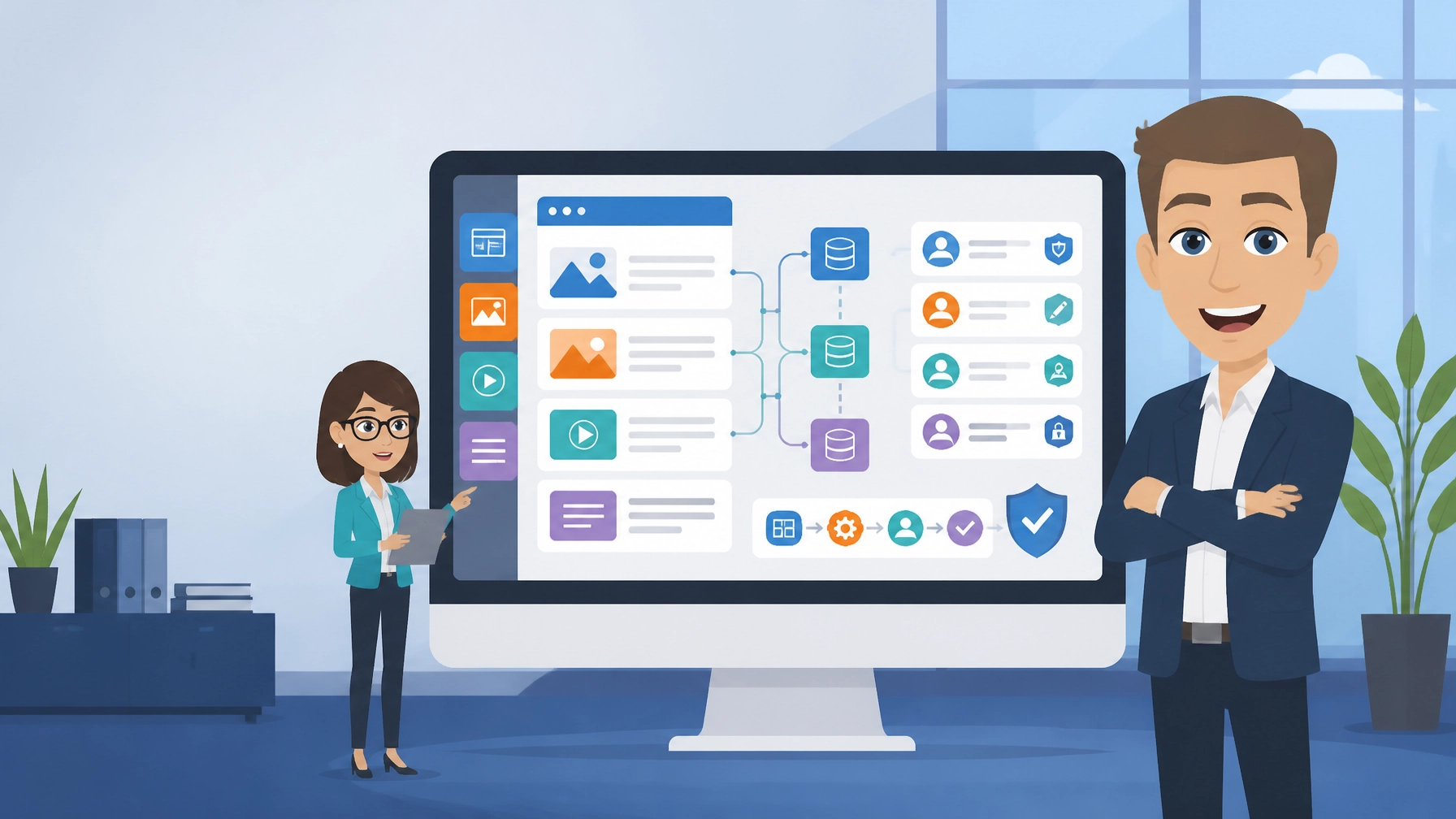
Drupal is a free, open-source content management system (CMS) built for powerful, secure and flexible websites. It is best for organisations with complex content, user permissions or publishing workflows, and for site owners who have developer or agency support. It is less suitable for non-technical owners who want instant templates and simple setup.
What is Drupal?
Drupal is a CMS for creating, organising and publishing website content. Unlike simpler website builders, it gives you detailed control over content types, fields, users, permissions, menus and publishing processes.
The platform is used for websites that need more than a small collection of standard pages. A membership organisation might need different content for different user groups. A publisher may need structured articles, authors, topics and revisions. A public-sector organisation may need multilingual content, accessibility controls and clear approval processes.
The official Drupal website provides access to the project, documentation, community resources and downloads. The software is open source, so there is no CMS licence fee. However, your total cost may include hosting, configuration, design, development, extensions, security updates and ongoing support.
| Cost area | What to expect |
|---|---|
| Core software | Free and open source |
| Hosting | A separate cost based on resources, support and performance |
| Design and development | Potentially significant for custom content structures or integrations |
| Extensions | Many are free, but check maintenance, compatibility and support |
| Ongoing care | Updates, backups, security monitoring and technical assistance may be required |
For a small site owner, this distinction matters. “Free” refers to the software licence, not necessarily the complete cost of running a successful website.
5 Best Features of Drupal
- Flexible content modelling
You can create custom content types, fields, categories and relationships instead of forcing every page into the same layout. This is useful when your organisation manages different types of information, such as events, publications, locations, staff profiles or service records. - Detailed user permissions
The CMS supports roles and granular permissions for administrators, editors, authors, reviewers and other contributors. A real-world benefit is that each person can access the tools they need without receiving unnecessary control over the whole site. - Powerful publishing workflows
Content can move through stages such as draft, review, approval and publication. Version history also makes it easier to see changes and restore earlier content, which is valuable when several people manage important pages. - Multilingual and structured content support
Built-in multilingual capabilities and structured content tools make the platform suitable for organisations serving different regions or audiences. It can support consistent information across language versions rather than relying on disconnected pages. - Integration and headless capabilities
APIs, REST support and JSON:API can connect website content to mobile applications, custom front ends, customer systems and other digital services. This gives a development team room to build a broader digital ecosystem around one content source.

Drupal’s strength is not simply the number of available features. It is the way those features can be combined into a tailored content and publishing system. That flexibility is valuable for a growing organisation, but it also means that planning is important before installation.
Drupal in Action: 3 Examples
1. A membership organisation
Example scenario: A professional membership body needs public information pages, member-only resources, regional notices, event listings and different permissions for staff and volunteers.
A structured CMS can separate these content types and control who can create, approve or view each one. Members can find relevant information more easily, while the internal team avoids maintaining several disconnected systems.
2. A multilingual education website
Example scenario: An education provider serves learners, parents and staff in several regions. It needs course pages, news, downloadable documents, staff information and translated versions of key content.
The platform can provide a consistent structure for each content type and support language management. The organisation still needs a sensible translation process and someone responsible for checking that translated information remains accurate.
3. A complex publishing or information hub
Example scenario: A research, media or public-information website publishes articles, reports, topic pages, data resources and updates from several departments.
A content model can connect related items, such as an article to its author, topic, document or project. Editors can also use workflows to review content before publication. This is more suitable than a basic site where every page is created manually with no consistent relationships.
These examples are illustrative scenarios, not guarantees. The right result depends on information architecture, hosting, design, development quality and the team responsible for maintenance.
3 Things That Could Be Better
1. The learning curve is steep for beginners.
The interface and terminology can feel unfamiliar if you have only used simple website builders. Creating a basic page may be manageable, but configuring content types, views, permissions and workflows usually requires training or technical support.
2. Implementation can cost more than expected.
The software itself is free, but a tailored build may require a developer, designer or agency. You may also need to pay for hosting, testing, migration, accessibility work, integrations and ongoing maintenance. A free licence does not make a complex project free to deliver.
3. It can be excessive for a simple brochure website.
If you need only a home page, services page, contact page and occasional news updates, the platform may introduce more administration than you need. A simpler CMS may let you launch sooner and manage routine edits with less specialist help.
Our overall rating is 4 out of 5. It is an excellent technical foundation for complex websites, but it is not the easiest choice for every small business.
Top 2 Alternatives to Drupal
WordPress is generally easier to start with and offers a large selection of themes and plugins for standard business websites, blogs and online shops. It can also support advanced projects, but its setup experience is often more familiar to non-technical owners.
Backdrop CMS is a lightweight CMS based on an earlier Drupal codebase. It can be a practical option for small organisations that want structured content and a familiar CMS approach without adopting the full complexity of a larger implementation.
The better choice depends on your content needs, internal skills, future plans and available budget. If you are unsure how the CMS should fit into your wider online presence, Zest City’s website design services can help you plan the structure before development begins.
3 Tips to Get More From Drupal
- Map your content before installing modules.
List the information your organisation publishes, who owns it, who approves it and how it should be grouped. Turn that list into content types, fields, categories and user roles before adding functionality. This reduces duplication and makes future expansion easier. - Keep the installation lean and maintained.
Only add modules that solve a clear business problem. Record why each module is installed, check compatibility before updates and remove anything that is no longer needed. Maintain tested backups and a staging environment so changes can be checked before they affect the live site. - Design the editing experience around real users.
A technically capable website can still fail if staff find it difficult to update. Use clear labels, sensible permissions, reusable layouts and short guidance notes. Test common tasks with the people who will publish content, not only with the developer who built the site.

Free with Zest City Web Hosting
Drupal is one of 79 apps available free with Zest City Web Hosting : included on every shared hosting programme and platform we offer, with genuine 1-click installation (no server admin, no manual setup, live in minutes). No extra licence fees, no separate app-store account.
The Zest City install option is available through the 20i hosting environment. You can use the Drupal install option to begin without downloading files or carrying out a manual server configuration.
Zest City Web Hosting gives you a practical starting point for installing the CMS, but the website still needs sensible configuration. You remain responsible for choosing the design, setting up users, creating content and deciding how updates will be managed. For businesses that want help with hosting, design and the wider digital setup, Zest City Web Hosting can provide a route to discuss those requirements.

FAQs
Is Drupal free?
Yes. The core software is free and open source, with no licence fee for the CMS itself. You still need to budget for hosting, development, extensions and ongoing maintenance.
Is Drupal good for beginners?
It can be, but it is not usually the easiest first CMS. Beginners can learn the basics, yet complex content models, permissions, updates and custom design often need developer or agency support.
Why choose Drupal over WordPress?
Choose it when your site needs complex content structures, granular permissions, multilingual publishing or integrations that may outgrow a simpler setup. WordPress is generally quicker for straightforward business sites and has a more familiar starting experience.
What is Drupal used for?
It is used for websites that manage structured content, multiple user roles and detailed publishing workflows. Common examples include public-sector, education, membership, publishing and larger organisational sites.
Not sure Drupal is the right fit : or want to see the other 78 apps you get free? Talk to Zest City about your web hosting and we’ll help you pick the right app, the right hosting plan, and show you what else we can do for your site, from design to ongoing support.