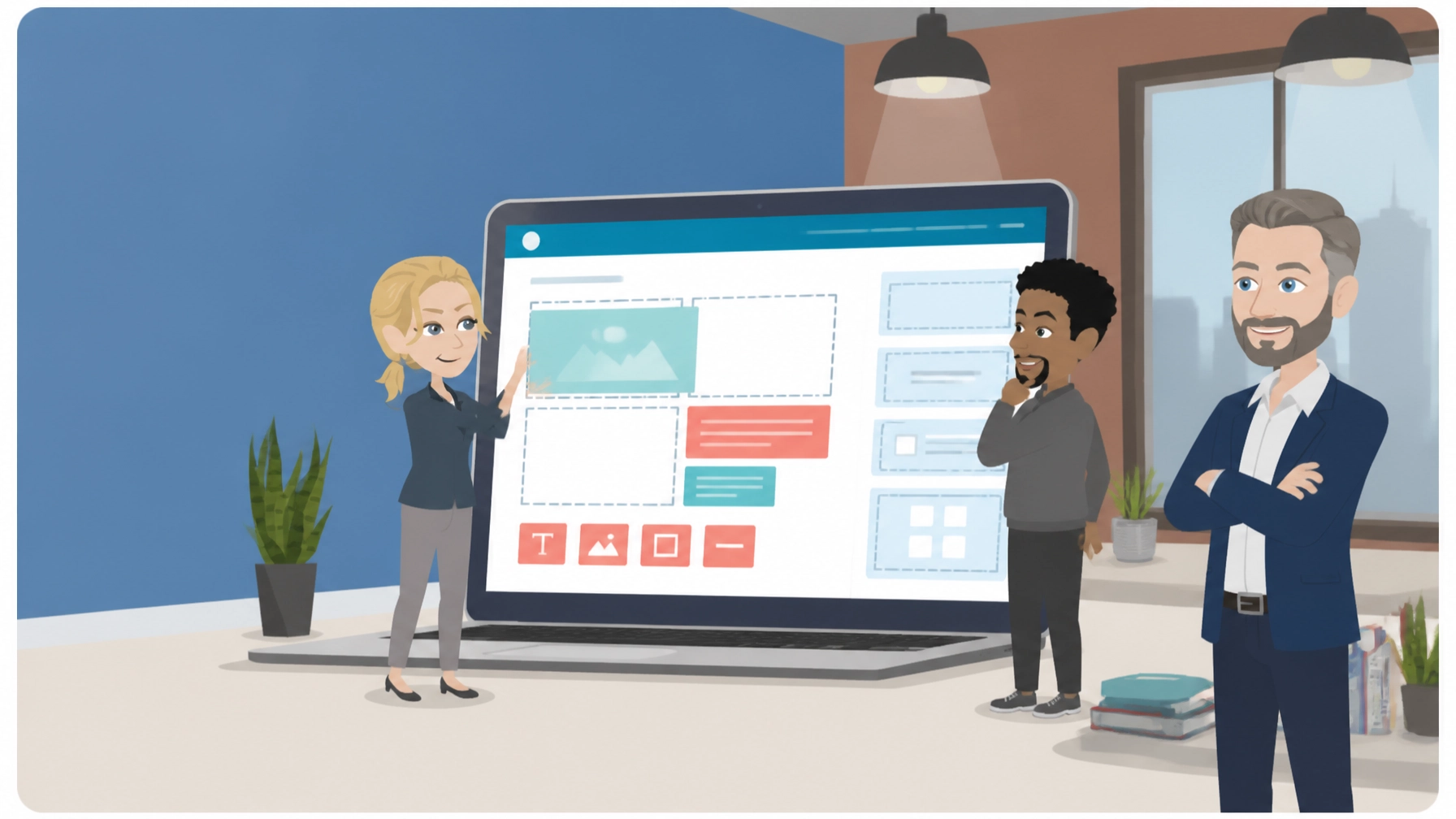
Craft CMS is a flexible, open-source content management system that gives designers and developers precise control over content structure and publishing. It suits organisations with bespoke website needs and a developer or agency to build and maintain the site, rather than non-technical owners wanting a template-based site.
What is Craft CMS?
Craft CMS is a PHP-based content management system designed for websites that need more flexibility than a standard template can provide. Instead of forcing every page into a fixed layout, it lets a development team create custom content types, fields, relationships and publishing workflows.
The result can be a website shaped around the organisation’s actual needs. A marketing team might manage landing pages, resources, events, locations and staff profiles from one control panel, while the front end is built to match the brand precisely.
The official Craft CMS website describes the platform’s core approach in more detail. As of 2026, its free Solo edition is available for one user, while Team and Pro editions add collaboration, permissions and support features.
Craft CMS is self-hosted, so the hosting environment matters. The site needs suitable PHP, database and server configuration, and ongoing maintenance should include backups, security updates, plugin updates and performance checks. Zest City Web Hosting provides a straightforward route for owners who want the application installed without handling server administration themselves.
5 Best Features of Craft CMS
- Flexible content modelling
You can define content using custom fields, sections, entries, categories and relationships. This is useful when a business needs more than posts and pages, such as a searchable directory, a structured knowledge base or a detailed events library.
- A clean editing experience
The control panel is built for content teams rather than only developers. Live Preview helps editors see how a page will appear before publishing, which reduces the risk of approving content that looks fine in the editor but breaks on the live site.
- Strong control over design
Craft uses Twig templates, giving developers precise control over the HTML, layout and front-end experience. Designers are not restricted to a narrow selection of themes, so the finished website can follow an existing brand system closely.
- Multi-site and localisation support
A single installation can support multiple sites, languages or regional versions. This can help an organisation manage UK, EMEA and North American content while keeping shared structures and governance in one place.
- Headless and integration options
The built-in GraphQL API and headless capabilities allow content to be delivered to a separate front end, mobile application or digital experience. The plugin ecosystem also supports integrations for forms, search, SEO, payments and ecommerce, although each plugin should be assessed for cost, support and compatibility.
Craft CMS in Action: 3 Examples
1. A professional services website with structured content
Example scenario: A consultancy needs service pages, expert profiles, case studies, downloadable guides and office locations. A developer creates the fields and relationships once, allowing the marketing team to add new consultants or services without rebuilding page layouts manually.
This structure can improve consistency across the website. It also makes future filtering and search features easier to introduce.
2. A multilingual webinar and webcast resource hub
Example scenario: An organisation runs webinars for audiences in the UK, wider EMEA and North America. Each webcast has a title, speaker information, registration details, recording, edited highlights, transcript, topic and region.
An editor can connect the original event to its on-demand recording, transcription and related resources. That creates a better experience for visitors who cannot attend live and gives the organisation a practical foundation for publishing webinar content in multiple languages or regional versions.
For teams managing webcast production, editing and transcription, the CMS can act as the central publishing layer. It does not replace the event platform or production workflow, but it can organise the content that remains valuable after the broadcast ends.
3. A bespoke ecommerce or membership experience
Example scenario: A specialist organisation needs editorial content, member-only information and a carefully designed product or booking journey. The front end requires custom interactions that would be awkward to create inside a rigid ecommerce theme.
A suitable Craft setup can connect content and commerce while preserving control over the customer journey. The organisation would still need to budget for payment services, integrations, development and ongoing maintenance. Craft Commerce also has its own licensing considerations, so it should be priced separately before work begins.
3 Things That Could Be Better
1. It is not the easiest choice for a non-technical owner
The free edition is attractive, but installing, configuring and extending the platform still requires technical knowledge. If you want to choose a template, add content and manage everything without developer involvement, a simpler hosted builder may be more suitable.
2. Paid editions and plugins can increase the total cost
Solo is free, but Team and Pro are paid per project. As of 2026, Team costs $279 per project and Pro costs $399 per project, with $99 annual updates after the first year according to the published pricing. Ecommerce, advanced forms, search and SEO may require additional paid plugins or development time.
The licence cost is only one part of the budget. You should also consider hosting, design, implementation, maintenance, accessibility testing and content migration.
3. The ecosystem is smaller than WordPress
A curated plugin ecosystem can be a benefit, but it offers fewer ready-made options than WordPress. Before committing, check that the integrations you need are actively maintained and compatible with your chosen version.
This is particularly important for CRM connections, event registration, payment systems, marketing automation and complex search. A developer should confirm the technical route before the website build begins.
Top 2 Alternatives to Craft CMS
- WordPress : WordPress offers a much larger theme and plugin ecosystem, making it easier to find low-cost extensions and support. It can suit owners who want to manage a site with less bespoke development, although quality and maintenance vary between plugins and themes.
- ExpressionEngine : ExpressionEngine also focuses on structured content and flexible publishing, but it has a different control panel, development approach and commercial licensing model. It may appeal to organisations that want a capable traditional CMS without choosing WordPress.
3 Tips to Get More From Craft CMS
1. Model the content before designing the pages
List the content types the organisation will manage, such as services, people, events, locations, downloads and articles. Define which fields are required, which items relate to each other and which content should be reusable.
This prevents the common mistake of building attractive page templates first and discovering later that the editorial structure is difficult to maintain.
2. Agree permissions and publishing workflows early
Decide who can create, edit, approve and publish content. If several people work on the site, use roles and permissions to keep responsibilities clear rather than giving every user full administrative access.
Create a simple approval process for sensitive content, regional publishing and campaign pages. This is especially useful when teams in different offices or time zones contribute to the same website.
3. Treat hosting and maintenance as part of the project
Choose a hosting plan that supports the application’s technical requirements and expected traffic. Arrange automated backups, a staging environment and a process for testing updates before they reach the live site.
Zest City Web Hosting can help reduce the technical barrier through its one-click installation option. If the website also needs a new visual identity, improved user journeys or ongoing design support, Zest City’s website design services can be considered alongside the CMS implementation.
Free with Zest City Web Hosting
Craft CMS is one of 79 apps available free with Zest City Web Hosting : included on every shared hosting programme and platform we offer, with genuine 1-click installation (no server admin, no manual setup, live in minutes). No extra licence fees, no separate app-store account.
The Zest City install option is supported by the 20i hosting platform and is intended to remove the manual setup work. You can start with the Zest City web hosting service and discuss the most suitable environment before moving a project online.
Remember that free application availability does not remove every possible cost. A bespoke website may still need professional development, premium plugins, ecommerce licensing, content migration and ongoing support.
FAQs
Is Craft CMS free?
Craft CMS has a free Solo edition that can be used indefinitely for public or private projects, subject to its edition limits. As of 2026, paid Team and Pro licences add features such as additional users, user groups and developer support.
Is Craft CMS good for beginners?
Craft CMS can be approachable for editors once a developer has configured the content model and control panel. It is less suitable for beginners who want to build and customise a complete website without technical help.
Is Craft CMS good for bespoke websites?
Yes. Its custom fields, relationships, Twig templates, localisation tools and API options make it well suited to bespoke websites. It is particularly useful when the content structure or front-end design does not fit a standard theme.
Does Craft CMS require a developer?
A developer is strongly recommended for installation, content modelling, template development, integrations and upgrades. An editor may be able to manage day-to-day publishing after the site has been configured, but technical maintenance remains important.
Not sure Craft CMS is the right fit : or want to see the other 78 apps you get free? Talk to Zest City about your web hosting and we’ll help you pick the right app, the right hosting plan, and show you what else we can do for your site, from design to ongoing support.