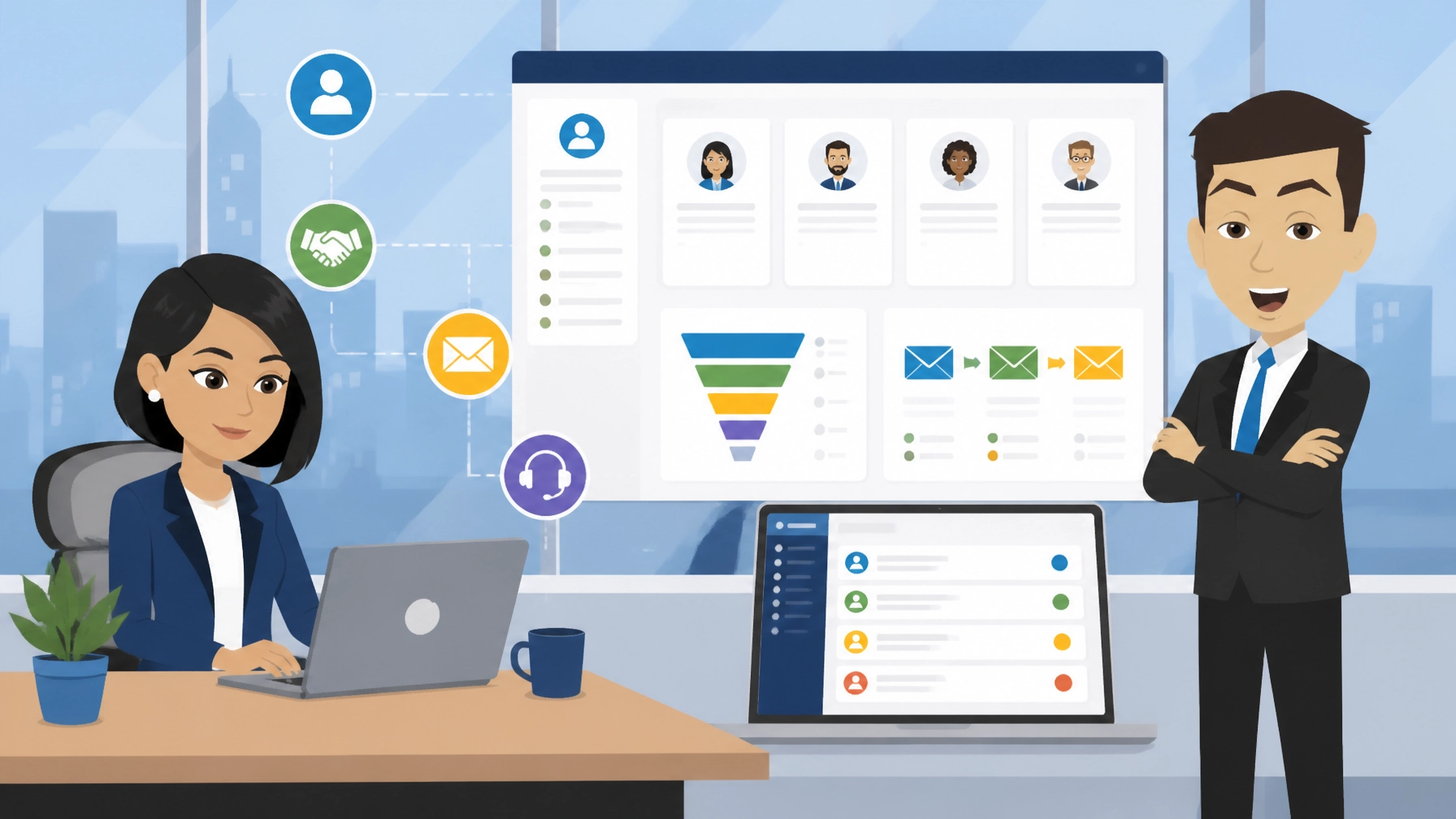
Vtiger is a CRM and sales platform that combines contact management, deal pipelines, email, marketing and helpdesk features in one system. The self-hosted open-source edition suits businesses that want a full-featured CRM on their own hosting without per-user cloud fees.
What is Vtiger?
Vtiger’s official website describes the platform as an all-in-one CRM for marketing, sales and support teams. Its central idea is to keep customer information, conversations, opportunities and service activity in one shared view.
There are two main routes: a cloud edition managed by the provider, and a self-hosted open-source edition that you install on your own server. The self-hosted option gives you more control over data and hosting costs, but you remain responsible for updates, backups, security and administration.
As of 2026, the open-source edition is free to license. Cloud plans are separate commercial products, with published prices commonly ranging from approximately $12 to $50 per user each month, depending on the edition and features selected. Prices and availability can change, so treat those figures as a guide rather than a UK price promise.
| Option | Best for | Main cost |
|---|---|---|
| Self-hosted open source | Businesses with technical support or managed hosting | Free licence, plus hosting and maintenance |
| Cloud CRM | Teams wanting managed infrastructure and automatic updates | Per-user monthly subscription |
| Commercial enterprise deployment | Larger organisations with advanced requirements | Quote-based or negotiated pricing |

5 Best Features of Vtiger
- Unified customer records
Contact details, organisations, opportunities, activities and support interactions can be managed from connected records. This reduces the need to search across spreadsheets, inboxes and separate support tools before speaking to a customer.
- Sales pipeline management
The CRM supports lead and opportunity tracking through defined sales stages. A small business can create a pipeline that reflects its actual process, from first enquiry to proposal, negotiation and won business.
The practical benefit is visibility. You can quickly see which opportunities need attention, where deals are slowing down and whether follow-ups are being completed.
- Marketing and email tools
The wider platform includes email marketing, audience segmentation and campaign activity. These features can help a business coordinate marketing and sales rather than treating every new enquiry as an isolated contact.
The self-hosted edition may not offer the same depth of campaign automation as the cloud products. Check the edition comparison carefully before planning a full marketing operation around it.
- Helpdesk and customer support
Support tickets and customer cases can sit alongside sales and contact information. A support worker can see previous interactions, while a sales colleague can understand outstanding issues before contacting the customer about a renewal or new opportunity.
This shared context is particularly useful for service businesses where customer experience depends on smooth handovers between departments.
- Workflows, reports and integrations
Automation can reduce repetitive tasks such as assigning records, creating reminders and moving information through a defined process. Reports and dashboards help owners understand pipeline activity and team performance.
The platform also has an extensible structure, including APIs and integrations. However, the exact connectors and advanced reporting features available will depend on whether you use the self-hosted or cloud edition.
Vtiger in Action: 3 Examples
1. Managing enquiries for a professional services firm
Example scenario: A consultancy receives enquiries through its website, telephone and email. Each enquiry is entered as a lead, assigned to the appropriate person and moved through a consistent qualification process.
The team can record notes, schedule follow-ups and convert a qualified lead into an account and opportunity. The owner gains a clearer view of expected work without relying on separate personal spreadsheets.
2. Coordinating sales and support
Example scenario: A customer contacts a business about a technical issue while an account manager is preparing a renewal proposal. The support history and sales relationship are stored in connected records.
The account manager can check the current situation before making contact. Support staff can also see relevant account information, helping them provide a more informed response.
3. Creating a repeatable follow-up process
Example scenario: A small agency wants every proposal recipient to receive a reminder after a set period. A workflow creates a task for the responsible team member and records the next action against the opportunity.
This does not replace judgement or personal communication. It simply makes the basic process more reliable and reduces the chance that a promising enquiry is forgotten.

3 Things That Could Be Better
- Self-hosting requires ongoing technical responsibility
Free software does not mean a maintenance-free system. You need a suitable hosting environment, database, server configuration, backups, access controls and an update process. If something goes wrong, there is no cloud provider automatically managing the whole stack for you.
For a non-technical owner, managed hosting or help from a developer can make the self-hosted option much easier to operate.
- The feature gap between editions needs careful checking
The open-source edition provides the core CRM foundation, but some cloud features are not included. These can include advanced reporting, native mobile apps, richer email marketing, AI tools, additional collaboration functions and managed service features.
That distinction matters. A business may select the free edition expecting the same experience shown in cloud product demonstrations, then discover that important tools require a paid plan or separate setup.
- Configuration can take time
A flexible CRM is useful, but flexibility creates decisions. You need to define fields, sales stages, user permissions, naming conventions and reporting requirements. Poor configuration can make a CRM feel cluttered and encourage staff to return to informal workarounds.
Start with a small, well-defined process rather than attempting to customise every module on the first day.
Top 2 Alternatives to Vtiger
-
SuiteCRM: Also available in Zest City’s 79-app library under the CRM category. It is a strong self-hosted alternative with a long-standing open-source focus and extensive customisation options. Its interface and administration approach differ, so compare usability and support requirements before switching.
-
Dolibarr: Available in the ERP category of the same app library, Dolibarr combines customer management with wider business functions such as invoicing, products and stock. It may suit a business that wants a broader enterprise resource planning system rather than a CRM centred mainly on sales and support.
3 Tips to Get More From Vtiger
- Map your process before creating fields
Write down the real steps from first contact to completed sale. Then create only the fields, stages and tasks needed to support that process. Avoid copying every column from an old spreadsheet without deciding why each one is useful.
- Create a backup and update routine
Before installing extensions or applying major updates, take a tested backup of the database and files. Store copies separately from the live installation and confirm that you know how to restore them.
If your team does not have the skills to manage this, ask your hosting provider what support is available. Zest City Web Hosting can also sit alongside a wider website support plan, rather than leaving the CRM as an unmanaged installation.
- Connect the CRM to your website process
Decide how website forms, email enquiries and telephone leads will enter the CRM. Use consistent source labels so you can later understand which marketing activities create genuine opportunities.
Your CRM should support the website, not operate as a disconnected database. If the site itself needs improvement, Zest City’s website design services can help align page structure, forms and conversion journeys with your sales process.

Free with Zest City Web Hosting
Vtiger is one of 79 apps available free with Zest City Web Hosting : included on every shared hosting programme and platform we offer, with genuine 1-click installation (no server admin, no manual setup, live in minutes). No extra licence fees, no separate app-store account.
The one-click option is provided through Zest City Web Hosting and removes much of the manual installation work. You still need to configure users, permissions, fields and backups, but you can begin with a working installation instead of preparing the server from scratch.
Zest City Web Hosting is therefore most suitable for owners who want the control of a self-hosted CRM without dealing with every technical installation step themselves.
FAQs
Is Vtiger free?
The self-hosted open-source edition is free to license as of 2026. You still need to allow for hosting, maintenance, backups, security and any paid extensions or technical support.
Can Vtiger manage my sales pipeline?
Yes. It can organise leads and opportunities into sales stages, record activities and create follow-up tasks. The best results come from configuring the stages around your actual sales process rather than using a generic pipeline without adjustment.
Is Vtiger good for small businesses?
It can be a good fit for a small business that wants sales, contact and support information in one place. The self-hosted version is most suitable when the owner has access to reliable hosting support or someone who can manage updates and backups.
Does Vtiger include email marketing?
The wider CRM platform includes email marketing features, but availability depends on the edition. The open-source version does not provide the same full marketing suite as the commercial cloud products, so confirm the exact feature list before choosing it for campaign management.
Not sure Vtiger is the right fit : or want to see the other 78 apps you get free? Talk to Zest City about your web hosting and we'll help you pick the right app, the right hosting plan, and show you what else we can do for your site, from design to ongoing support.