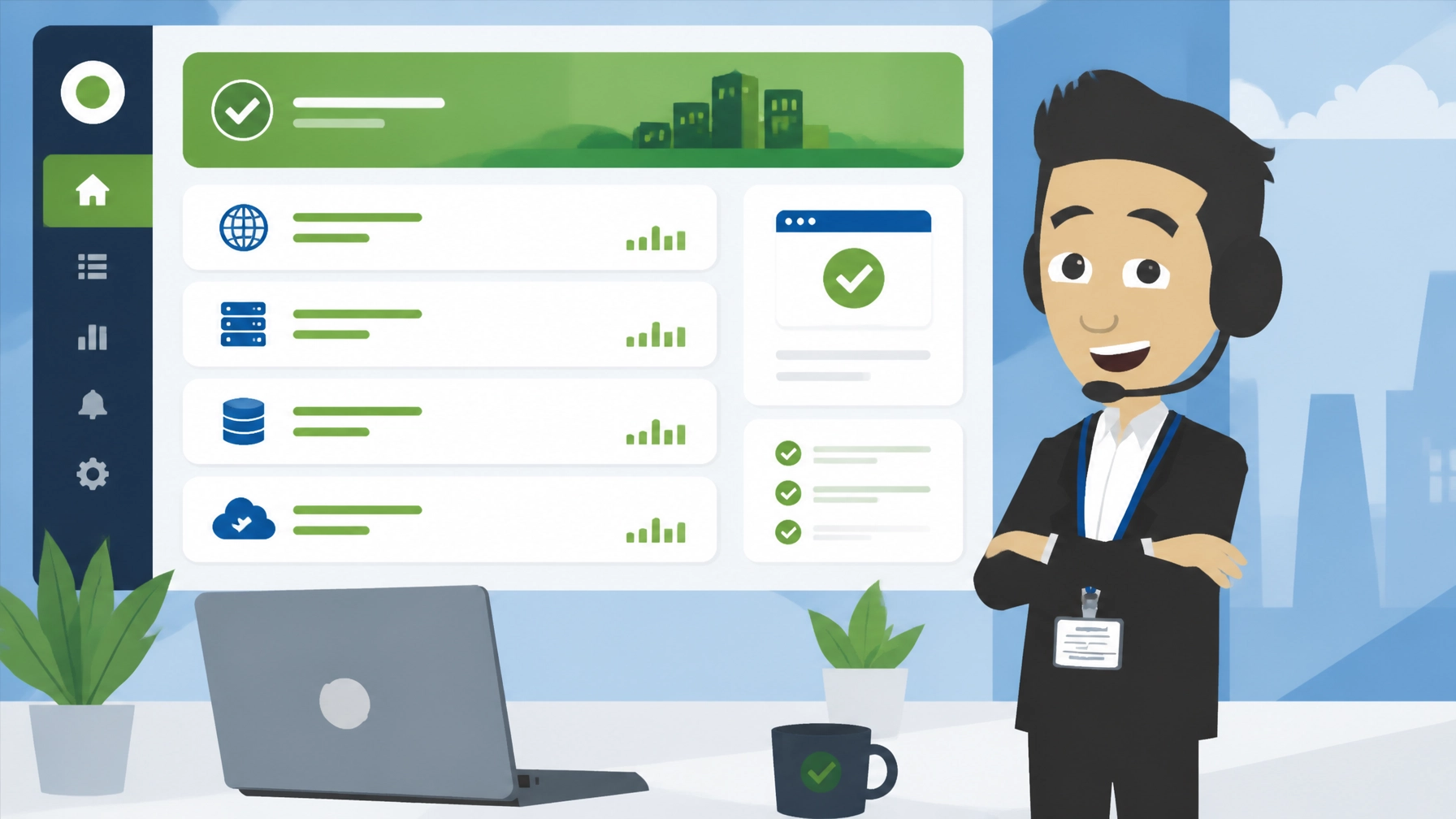
Cachet is a free, open-source status page application that lets a business publish the current availability of its website, app or services on a public dashboard. It suits businesses that want to show customers honest uptime information without paying for a hosted status-page service.
What is Cachet?
Cachet is a self-hosted status page tool. It gives you a public page where customers can check whether your website, application, API or other services are operating normally. You can also use it to explain incidents and announce planned maintenance.
The app includes a private administration area for managing service components, incidents, maintenance notices and performance metrics. It is built for organisations that want more control over their status communications rather than relying on a separate hosted platform.
As of 2026, the official Cachet project presents the software as free to self-host, with a modern 3.x version being developed and demonstrated. Licence details can vary by version, so check the terms for the release you install.
For a small business, the main attraction is straightforward: there is no Cachet subscription fee. Your costs are related to hosting, setup, maintenance, backups and any support you choose to use.
Verdict: 4/5. Cachet is a capable option for businesses that want a professional public status page and are comfortable with a self-hosted application. It is less suitable if you want the simplest possible hosted service with no technical administration.
5 Best Features of Cachet
- Public status pages
You can publish a clear service overview showing whether individual components are operational, experiencing performance issues or affected by an outage. This gives customers one reliable place to check before contacting your support team.
- Incident and maintenance updates
The incident system lets you explain what happened, what is being investigated and when the issue has been resolved. Planned maintenance notices are equally useful because customers receive advance information instead of finding an unexpected error page.
- Custom service components
You can create components for different parts of your operation, such as a website, customer portal, payment service, API or database. Grouping these services makes the page easier to understand, particularly when one part of a wider platform is affected.
- Metrics and visual reporting
The app can display custom metrics such as response times, uptime percentages and other service measurements. These charts help turn a basic outage page into a more informative record of service performance.
- API and notification support
Cachet includes a JSON API that can connect the status page to external monitoring and alerting systems. Subscribers can also receive email updates about incidents and planned maintenance, reducing the need to post the same message manually in several places.

The important distinction is that Cachet is a communication layer, not a complete monitoring platform. It does not automatically detect every fault by itself. You may need to connect it to another monitoring service or update incidents through its dashboard.
Cachet pricing at a glance
| Cost area | Typical position in 2026 | What to consider |
|---|---|---|
| Cachet software | Free | There is no standard per-user Cachet subscription |
| Hosting | Depends on your plan | The app needs suitable web hosting and database resources |
| Installation | May be included | A one-click installer can remove manual setup work |
| Monitoring integrations | Depends on your tools | External monitoring services may have their own charges |
| Ongoing management | Depends on your needs | Updates, backups and security still require attention |
The official project site displays figures such as 15,000+ GitHub stars, 2,000+ forks and support for more than 10 languages. These figures can change, but they indicate that the project has attracted a substantial user and developer community.
Cachet in Action: 3 Examples
1. A small ecommerce website
Example scenario: An online shop experiences a problem with its payment provider. Instead of leaving customers to guess whether the fault is with their own browser or the shop, the owner updates the payment component on the public status page.
The notice can explain that payments are being investigated while browsing remains available. Once the provider resolves the issue, the owner can add a resolution message and retain the incident history.
2. A webinar or virtual event platform
Example scenario: An event agency runs a registration site, streaming environment and attendee helpdesk for clients in the UK, Europe and North America. A scheduled platform upgrade may affect access for a short period.
The agency can publish the planned maintenance window in advance, identify the affected service and provide a clear update when the work is complete. This gives organisers and attendees a consistent source of information during a busy event period.
3. A membership or customer portal
Example scenario: A professional association provides members with a website, online document area and account dashboard. The document area becomes unavailable, but the main website continues to work.
The organisation can mark only the affected component as having a problem. Members can see that the wider service is still operating and can return to the page for progress updates.
These examples are illustrative scenarios, not claims about specific Cachet customers or measured results. The value comes from communicating accurately and consistently when a service is degraded.
3 Things That Could Be Better
- Self-hosting still requires responsibility
Free software does not mean maintenance-free software. Someone needs to manage updates, backups, access controls, database health and the security of the hosting environment. A small business without technical support may find this difficult.
- Monitoring is not built in
Cachet can receive information through its API, but it is not a replacement for a proper monitoring tool. You may need to connect it to uptime checks, server monitoring or alerting software before incidents can be detected and reported automatically.
- The project’s version position needs checking
The project is rebuilding its 3.x version, while older installations and community resources may refer to previous releases. Before installing, confirm which version your host provides, review its compatibility requirements and check the applicable licence and upgrade guidance.
These limitations do not make the app unsuitable. They simply mean that you should treat it as part of a wider service-management process rather than as a complete, automatic uptime solution.
Top 2 Alternatives to Cachet
There is no direct status-page equivalent in Zest City’s 79-app library, so these are realistic external alternatives:
- Uptime Kuma: A free, open-source monitoring tool that can check services and create status pages. It differs by placing more emphasis on monitoring and alerting, whereas Cachet is particularly focused on incident communication and public service reporting.
- Atlassian Statuspage: A hosted SaaS status-page service with managed infrastructure and commercial plans. It is easier to operate without server administration, but ongoing costs and plan limits may be less attractive to a small business.
Choose the self-hosted option if control and predictable software costs matter most. Choose a hosted alternative if reducing administration is more important than running the system yourself.
3 Tips to Get More From Cachet
- Name components from a customer’s perspective
Avoid internal labels that only your technical team understands. Use names such as “Customer login”, “Online payments” and “Event registration” so visitors can quickly identify the service they use.
- Prepare incident templates
Create a short format for updates covering the issue, affected service, current action and next update. This helps your team communicate calmly and consistently, even when the technical investigation is still under way.
- Test the page before an incident
Check the public URL, email notifications, mobile layout and administrator access before you need them. If you connect external monitoring, test the API integration and confirm that alerts reach the right people.

You should also keep the status page separate from the service it describes where practical. If your main website and status page fail for the same reason, customers may not be able to read your updates. Your hosting setup should therefore be considered as part of the reliability plan.
Free with Zest City Web Hosting
Cachet is one of 79 apps available free with Zest City Web Hosting : included on every shared hosting programme and platform we offer, with genuine 1-click installation (no server admin, no manual setup, live in minutes). No extra licence fees, no separate app-store account.
On a compatible plan, the Zest City one-click install option can simplify the first stage of setup. You can use Zest City Web Hosting for the application and discuss the practical requirements before making it public.
Zest City Web Hosting is also supported by a wider digital media team. If the status page needs to match your brand or fit into a broader customer communication plan, explore Zest City digital media services.
FAQs
Is Cachet free?
Yes. Cachet is free to download and self-host, with no standard per-seat subscription for the software itself. You still need to budget for hosting, maintenance, backups and any external monitoring or professional support.
What is a status page?
A status page is a public website that shows whether online services are working normally. It can also explain incidents, display progress updates and announce planned maintenance.
How do I keep Cachet up to date?
First, confirm which Cachet version your hosting provider has installed and read the relevant upgrade instructions. Take a backup before updating, test the administration area and public page afterwards, and keep the hosting environment and database secure.
Is Cachet good for beginners?
Cachet can be suitable for beginners when it is installed through a genuine one-click installer and the hosting provider supports the application. However, beginners may still need help with monitoring integrations, backups, security and version upgrades.
Not sure Cachet is the right fit : or want to see the other 78 apps you get free? Talk to Zest City about your web hosting and we’ll help you pick the right app, the right hosting plan, and show you what else we can do for your site, from design to ongoing support.