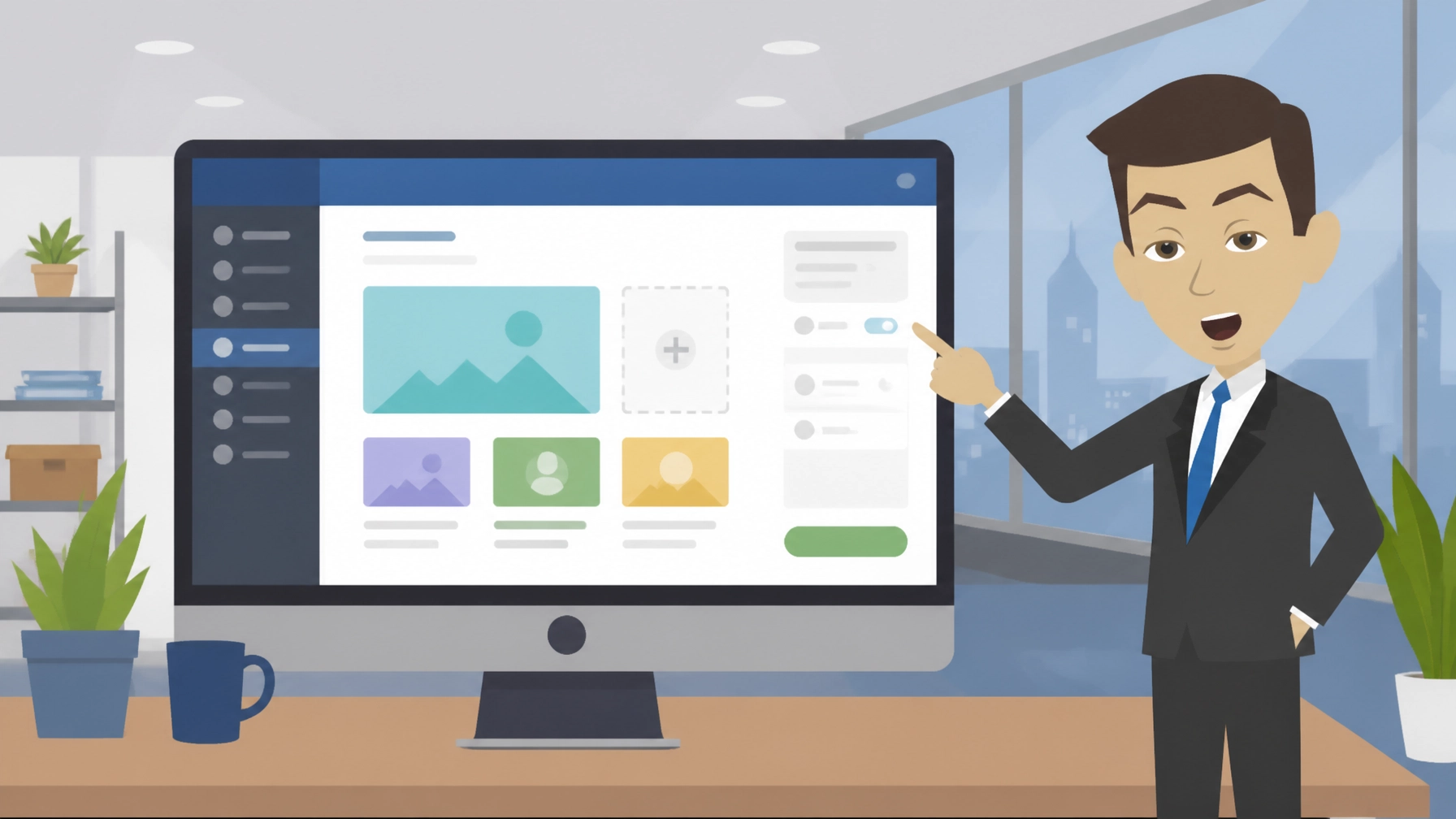
Backdrop CMS is a free, open-source content management system and a fork of Drupal 7. It is designed for small and medium-sized organisations that want structured content, flexible page layouts and an accessible way to manage a website without taking on the full complexity of modern Drupal.
What is Backdrop CMS?
Backdrop CMS is software for creating and managing websites. You can use it to publish pages, blog posts, images, menus, forms and other content through an administration area rather than editing files directly.
It began as a fork of Drupal 7, so it keeps familiar concepts such as content types, fields, taxonomies, permissions and Views. At the same time, it aims to make everyday site management more approachable for smaller teams. You can learn more about the project at the official Backdrop CMS website.
As of 2026, the software itself is free. There is no licence fee for downloading or using it. Your likely costs are hosting, website development, custom design, security maintenance and support. The total cost therefore depends on whether you manage the site yourself or work with a professional.
| Cost area | What to expect |
|---|---|
| CMS licence | Free and open source |
| Hosting | Depends on your chosen hosting plan |
| Themes and modules | Many options are free; some professional work may cost extra |
| Setup and migration | Optional, depending on your technical skills |
| Ongoing support | Optional, but useful for business-critical websites |
5 Best Features of Backdrop CMS
- Structured content without unnecessary complexity
You can create different content types for services, team members, news, events, resources and more. Fields and taxonomies help you organise information properly, which is useful when a website needs more than a collection of simple pages.
- Powerful Views and listings
Views can display selected content in useful formats, such as an events listing, filtered resource library or latest-news panel. This reduces the need to create every page manually and makes larger content collections easier to manage.
- Flexible layouts and blocks
The layout system gives you control over where blocks and content appear on a page. You can build distinct layouts for landing pages, articles and section homepages without relying on a developer for every small change.
- A practical upgrade path from Drupal 7
Teams with an existing Drupal 7 website may find the transition more familiar than moving to a newer, substantially different platform. The shared architecture and concepts can reduce the learning curve, although every migration still needs proper testing and planning.
- Performance suitable for modest hosting
The project places emphasis on efficient page delivery, including on shared hosting. For a small organisation, that can mean a capable website without immediately needing expensive infrastructure. Good hosting, image optimisation and sensible module choices remain important.
The ecosystem is also useful. As of 2026, the project reports more than 1,300 modules and add-ons. These can extend a site with extra content tools, integrations, administration features and specialist functionality. However, you should check that a module is actively maintained before installing it on a live business website.
Backdrop CMS in Action: 3 Examples
1. A community organisation with different types of information
Example scenario: A local community organisation needs pages for its projects, volunteer opportunities, news, downloadable resources and upcoming activities.
The organisation could create separate content types for each area. Editors could then add information through consistent forms, while Views could automatically produce a projects directory and a chronological events page. This is more manageable than formatting every page from scratch.
2. A small professional services firm
Example scenario: A consultancy wants a website with service pages, staff profiles, case studies and regular insights.
The team could use structured fields for sectors, services and authors. A case-study listing could be filtered by industry, while related content could be displayed beneath each article. This gives visitors clearer routes through the site and gives the business a more organised publishing process.
3. An education or membership website
Example scenario: A small education provider needs to publish courses, tutor information, announcements and supporting documents.
Backdrop could organise courses using content types and categories. Different staff members could be given appropriate permissions, so an administrator can manage the whole website while a tutor can update selected content. The result is a more controlled editorial workflow than sharing one administrator login.
These are illustrative scenarios, not claims about specific organisations. The right configuration will depend on content volume, user roles, integrations and accessibility requirements.
3 Things That Could Be Better
- The ecosystem is smaller than WordPress
Backdrop has a focused community and a useful collection of modules, but it does not offer the same breadth of themes, tutorials, agencies and third-party integrations as WordPress. You may need more research before choosing an add-on or finding someone with the right experience.
- The interface still feels technical in places
Backdrop is intended to be approachable, but it is not as instantly familiar as some hosted website builders. Terms such as content types, Views, taxonomy and permissions can take time to understand if you have never worked with a structured CMS.
- Design may require professional help
The platform can support a well-designed, responsive website, but the quality of the final result depends on the theme, content structure and implementation. If you want a distinctive brand experience rather than a standard template, you may need a designer or developer.
These limitations do not make the platform unsuitable. They simply mean that you should choose it for its strengths: structured content, flexibility, control and a lighter approach to Drupal-style website building.
Top 2 Alternatives to Backdrop CMS
Drupal
Drupal is the more extensive and enterprise-focused option. It is better suited to organisations needing advanced workflows, complex integrations, large-scale content models or specialist development support, but it can involve more planning and technical overhead.
WordPress
WordPress is generally easier to start with and has a much larger theme, plugin and professional-services ecosystem. It may be the better choice if you want a broad selection of ready-made designs and integrations, while Backdrop may appeal to teams that prefer structured content and Drupal 7 familiarity.
Both Drupal and WordPress are included in Zest City’s 79-app library, giving you alternatives to consider when selecting a website platform.
3 Tips to Get More From Backdrop CMS
- Plan your content model before building pages
List the information your website needs to manage. Decide which items deserve their own content type, which should use categories and which should remain as standard pages. This avoids creating a site that looks tidy at first but becomes difficult to maintain later.
- Create user roles based on real responsibilities
Do not give every contributor full administrator access. Set up permissions for editors, authors, marketing staff and administrators. This helps reduce accidental changes and gives you a clearer publishing process.
- Treat updates and backups as part of the website plan
Keep the core software, modules and theme under review. Before making significant changes, create a restorable backup and test updates in a safe environment where possible. If the website generates enquiries or supports daily operations, consider professional maintenance rather than leaving updates until something breaks.
If your site also needs a distinctive visual identity, connect the CMS plan to your wider website design requirements. The content system and the visual experience should be planned together.
Free with Zest City Web Hosting
Backdrop CMS is one of 79 apps available free with Zest City Web Hosting : included on every shared hosting programme and platform we offer, with genuine 1-click installation (no server admin, no manual setup, live in minutes). No extra licence fees, no separate app-store account.
Zest City Web Hosting gives you a straightforward route to getting started. You can use the Zest City install option to install the application, with the hosting environment handled through the platform. The service uses 20i infrastructure, which can be helpful if you want to avoid managing server configuration yourself.
Zest City Web Hosting can also support the practical parts of running a site, including hosting choices, setup questions and ongoing website needs. If you are unsure whether a CMS, website builder or ecommerce application is most suitable, it is sensible to compare your content requirements before installing anything.
FAQs
Is Backdrop CMS free?
Yes. The software is free and open source, so there is no licence fee for using it. You still need hosting, and you may choose to pay for design, development, maintenance or support.
Is Backdrop a good choice for small websites?
It can be, particularly when the site needs structured content, several user roles or automatically generated listings. For a very small brochure website with only a few pages, a simpler builder may feel quicker to learn.
What is the difference between Backdrop and Drupal?
Backdrop is a fork of Drupal 7 that focuses on a familiar, practical experience for small and medium-sized organisations. Drupal has a broader enterprise focus and may provide a better fit for highly complex projects, but it can require more technical expertise and resources.
Is Backdrop CMS good for beginners?
It is more approachable than many advanced content management systems, but it is not completely beginner-proof. A first-time site owner can learn the basics, although professional setup may save time if the website needs custom layouts, complex permissions or migration from another platform.
Not sure Backdrop CMS is the right fit : or want to see the other 78 apps you get free? Talk to Zest City about your web hosting and we’ll help you pick the right app, the right hosting plan, and show you what else we can do for your site, from design to ongoing support.